
Digital transformation
Digital school management: modernize processes without simply replacing paper with screens
Digital school management is not just about using computers or storing documents electronically. Transformation begins when an institution redesigns its processes so academic, administrative, and financial information can move with less rework, duplication, and dependence on disconnected controls.
What is digital school management?
It is the organization of institutional processes with digital tools that connect data, people, and routines. Depending on the institution, this can include enrollment, classes, attendance, grades, documents, finance, communication, and digital learning.
The difference is in the workflow. If data must be copied from one spreadsheet to another, sent through messaging apps, and typed again into a document, the process remains fragmented even if every step happens on a computer.
Signs your school still relies too heavily on manual processes
The same information is entered repeatedly
Repeated records across spreadsheets, documents, and separate systems create rework and make verification harder.
The team depends on personal files
When important controls live on individual computers or personal spreadsheets, operational continuity depends on specific people.
Finding a student's status takes too long
When enrollment, class, finance, documents, and academic records live in different places, staff lose context.
Reports require manual consolidation
When every analysis starts by copying and checking data, managers have less time to interpret information and make decisions.
Five steps to modernize school management
Digital transformation becomes more predictable when it is treated as a process-improvement project, not simply a software replacement.
1.Map current processes
Document how the institution handles enrollment, class formation, academic records, documents, billing, and service. Identify duplicate data and manual tasks.
2.Define a primary source for each type of information
Decide where each data point should originate and who is responsible for keeping it current. This reduces conflicting versions of the same information.
3.Organize roles and responsibilities
Administrators, registrars, teachers, finance teams, and students need different access. Digital workflows work better when each role is clear.
4.Migrate in stages
Avoid transforming every process at once. Prioritize the workflows that create the most rework and validate each stage before moving on.
5.Monitor adoption after implementation
Watch which processes remain outside the system and why. Parallel spreadsheets may signal training, configuration, or workflow-fit issues.
What role does a management system play in digital transformation?
A management system should support the institution's defined processes, centralize information, and let each role find what it needs without rebuilding the student's history for every task.
Before choosing a platform, test real scenarios: student enrollment, program and class assignment, record lookup, document preparation, financial follow-up, and role-based access. The goal is to confirm that the workflow reduces rework instead of moving it to another screen.
Digitizing is not the same as integrating
An institution can use many digital tools and still have fragmented processes. Integration happens when relevant data follows the workflow and can be accessed by authorized people without unnecessary repetition.
How PHANYX can support this process
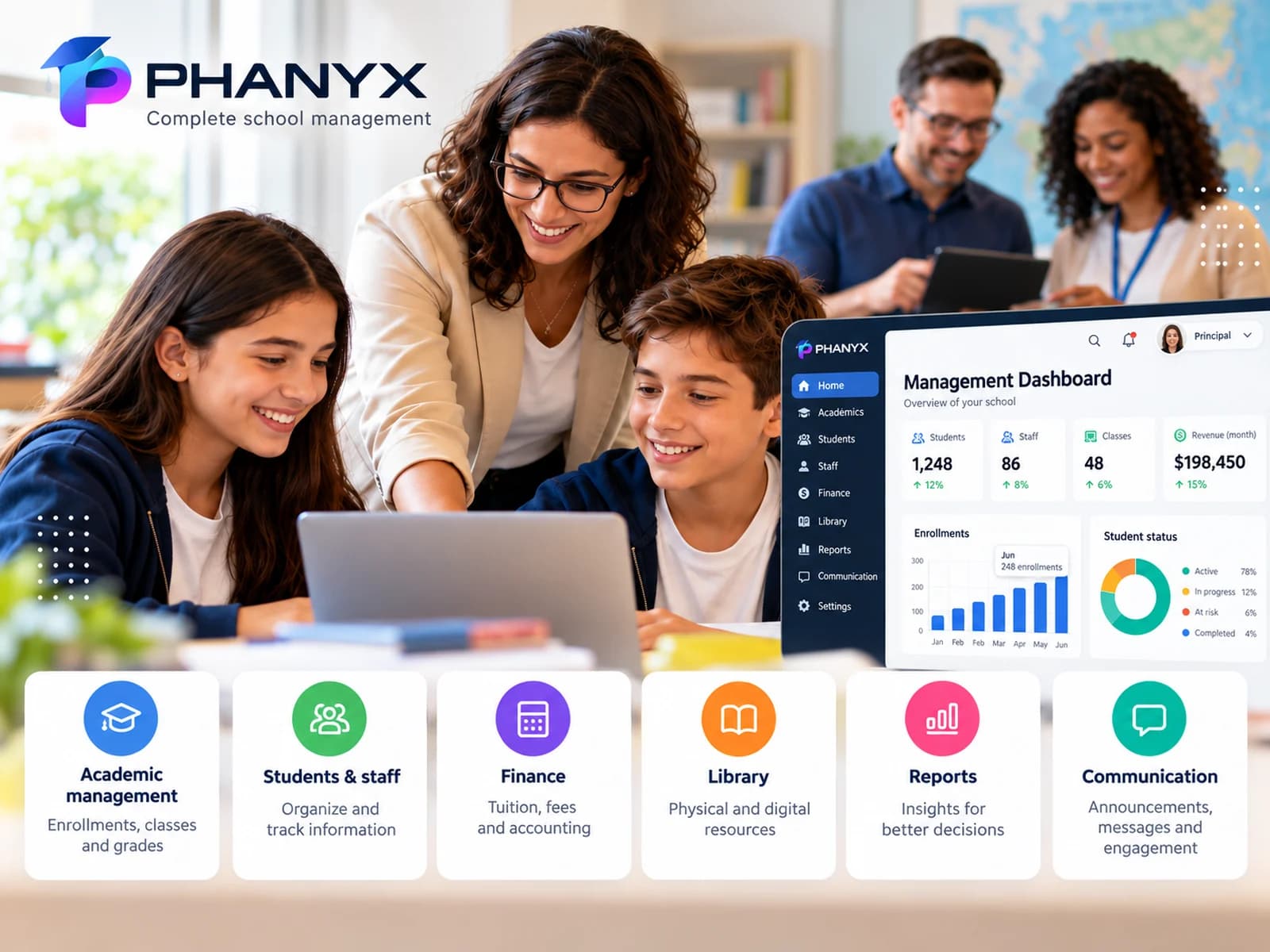
PHANYX brings school and academic management tools together in a SaaS platform with areas for administrators, teachers, and students. To evaluate fit, map your priority processes first and then compare the modules and workflows included in the proposed plan.
Frequently asked questions
Is digital school management just replacing paper with computers?
No. Document digitization is only one part. Digital school management organizes processes, responsibilities, data, and access to reduce rework and improve continuity.
Do schools need to abandon every spreadsheet at once?
No. A gradual transition is usually safer. Identify critical controls, the data that must be migrated, and the primary system for each type of information.
Where should a school start?
Start with processes that consume the most time or create the most rework, such as enrollment, student records, classes, documents, or financial controls.
How can you tell whether digital transformation is working?
Look for less duplicate data entry, faster access to information, fewer parallel controls, and clearer workflows for each role.